How to Make a DIY Personalized Coloring Book (Step-by-Step Guide)
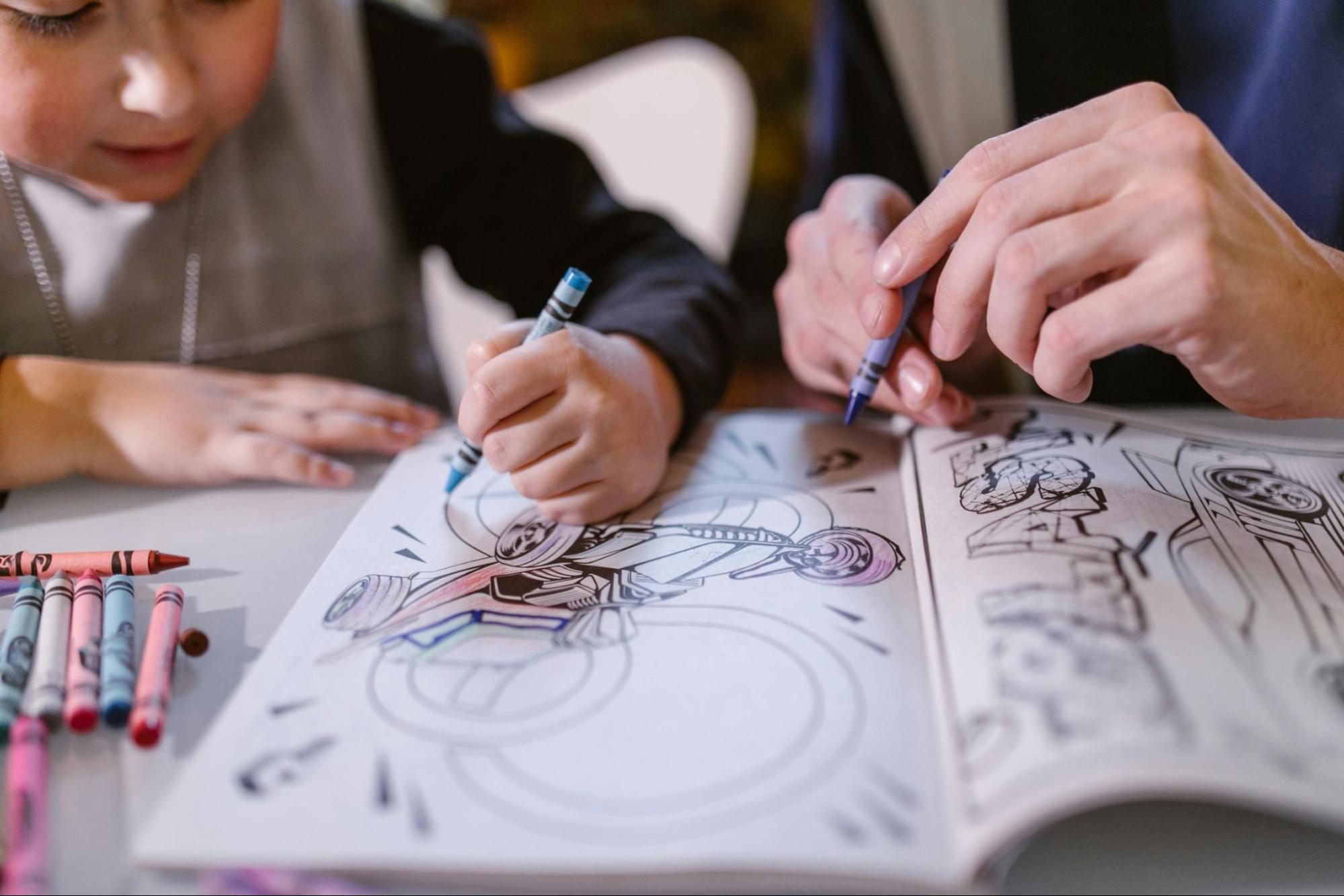
A personalized coloring book is one of those gifts that hits completely different. It's not something you can buy at Target. It's not generic.
It features the actual person you're giving it to, their face, their family, their pet, their birthday party last year, and that makes it the kind of gift people remember forever.
The good news: you can make one in about an hour, with no design skills, using stuff you probably already have at home.
Here's exactly how to do it.
What You'll Need
-
8–15 photos (the subjects of your coloring book: kid, family, pet, etc.)
-
ColorBooth account (free to start, first page on us)
-
A home printer
-
Standard printer paper or cardstock
-
A long-arm stapler, binder rings, or glue stick (depending on binding method)
-
Construction paper or cardstock for the cover
-
Markers, scissors, and optional decorative supplies
That's it. Total cost: under $10 if you don't already have the supplies.
Step 1: Pick Your Theme
Before diving into photos, decide what your coloring book is about. A clear theme makes the book feel intentional and gives you a framework for which photos to use.
Popular themes:
-
"A Year in the Life of [Kid's Name]" — 12 photos, one from each month
-
"Our Family Adventures" — vacation photos, day trips, special outings
-
"[Kid's Name] Turns 4" — birthday photos, party moments, milestone shots
-
"Our Pet [Name]" — silly photos of the family dog, cat, or bunny
-
"Grandkid Gallery" — photos for grandparents featuring all the grandchildren
-
"First Year" — baby's monthly photos, first steps, first foods, first holidays
Pick whatever feels right. The theme is just a guide, it doesn't have to be perfect.
Step 2: Choose Your Photos
You'll need 8–15 photos. Fewer than 8 feels thin, more than 15 gets exhausting to color. Sweet spot is 10–12.
What to look for:
-
Clear, well-lit photos
-
One or two main subjects per photo (avoid huge group shots)
-
A mix of close-ups and wider scenes for variety
-
Photos that tell a story or show personality, not just posed portraits
Pro tip: Pick photos that mean something to the person receiving the book. A grandparent's coloring book should include moments they were part of or moments they'd love to see. A kid's coloring book should include their favorite people, places, and pets.
Step 3: Convert Each Photo Into a Coloring Page
This is where ColorBooth does the heavy lifting.
1. Go to ColorBooth and sign in
2. Upload each photo, one at a time
3. Wait ~30 seconds per conversion
4. Download each coloring page
Your first page is free, and after that it's pay-as-you-go (no subscriptions). For a 10-page coloring book, you're looking at a small one-time credit purchase. Cheaper than a fancy birthday card.
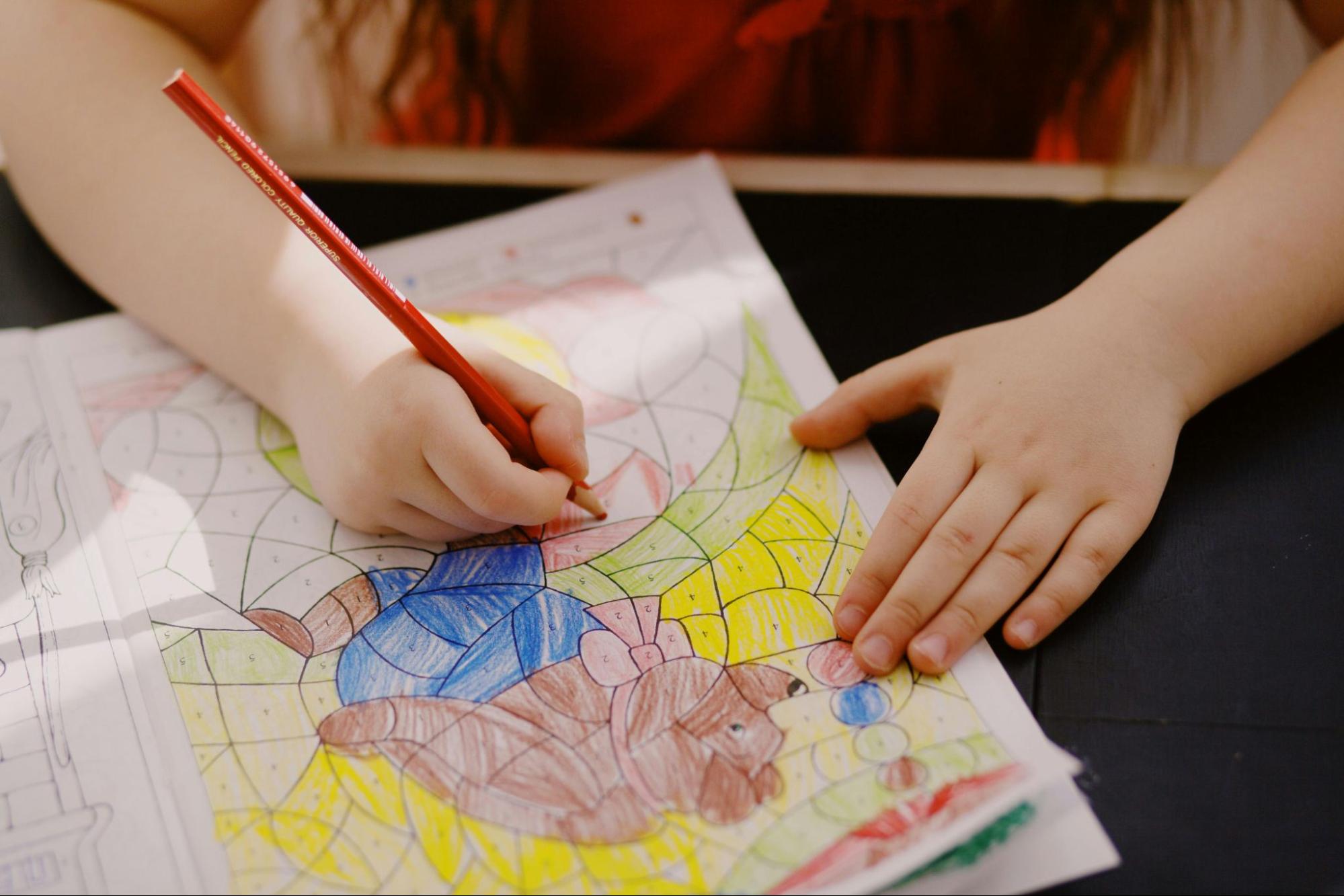
Tip: As you convert each photo, save the files with descriptive names like 01_birthday_party.jpg, 02_beach_day.jpg, etc. This makes the printing step much easier when you want them in a specific order.
Need help getting good results? Read our step-by-step guide to turning photos into coloring pages for tips on what photos work best.
Step 4: Design the Cover
The cover is what makes a stack of papers feel like a real book. You don't need to be a designer, just keep it simple.
Easy cover ideas:
-
Photo cover: Print the original (color) version of the best photo from your collection. Glue it to a piece of cardstock, and add a hand-written title.
-
Coloring page cover: Use one of your converted coloring pages as the cover. Color it in yourself before assembling the book — instant artwork.
-
Hand-drawn cover: Construction paper, markers, the kid's name in big bubble letters. Imperfection = charming.
-
Themed cover: Match the cover to your theme. "A Year in the Life of Maya" with stars or crayons drawn around the title.
Whatever you choose, write the title and the year somewhere on the cover. Years from now, that detail matters.
Step 5: Print Everything
A few printing tips that make a big difference:
-
Use slightly thicker paper. 28-32 lb paper or cardstock holds up to enthusiastic coloring without bleeding through.
-
Print at 100% scale, fit to page. ColorBooth pages are designed for letter-size or A4 — don't shrink them.
-
Print in grayscale to save ink. The pages are already black and white.
-
Print one extra of each page in case of mistakes during binding (or in case the kid wants to color the same page twice).
Step 6: Assemble and Bind
Now the fun part: turning a stack of paper into an actual book. Pick whichever binding method matches your skill level and supplies.
Option 1: Long-Arm Stapler (Easiest)
Stack all your pages with the cover on top. Fold the entire stack in half. Use a long-arm stapler to staple along the fold (2–3 staples). Done! You've made a saddle-stitched book in 30 seconds.
Best for: Quick gifts, kids who'll color the book hard
Option 2: Binder Rings (Most Flexible)
Punch 2–3 holes along the left edge of each page. Thread binder rings through the holes. The book opens completely flat (great for coloring), and you can add or remove pages later.
Best for: Books you'll add to over time, or where the kid wants to color one page at a time
Option 3: Glue Binding (Most Polished)
Stack pages together, clamp them tightly along one edge, and apply a thin layer of strong craft glue along the spine. Let dry overnight. Add a strip of cardstock or fabric tape over the dried glue for a finished look.
Best for: Gift-quality books, when you have time and want it to look nice
Option 4: Just Hand Them the Stack
Honestly? Sometimes the easiest thing is to print the pages, put them in a folder or large envelope, and let the recipient enjoy them however they want. No binding required. Especially good for older kids or grandparents who want to frame their favorites.
Step 7: Add Personal Touches (Optional)
If you want to take it from "nice gift" to "treasured keepsake," consider:
-
Captions under each page. Write a one-line description of when the photo was taken. "Maya's first ice cream — June 2024."
-
A dedication page. A short handwritten note at the front: "Made for Grandma with love, from Maya, June 2025."
-
Color guide. On the inside cover, suggest colors for tricky spots (especially helpful for younger kids).
-
A back-of-book photo collage. Include the original color photos in a collage on the last page so the recipient can see what they're coloring.
Gift Ideas: When to Give a Personalized Coloring Book
A personalized coloring book works for almost any occasion:
-
Birthday gift for a kid — they'll color a book about themselves
-
Mother's Day or Father's Day — featuring photos of the kids
-
Grandparent gift — featuring all the grandchildren
-
New baby gift — for the older sibling, featuring photos of the new family of four
-
Long-distance family gift — for relatives who don't see the kids often
-
Christmas stocking stuffer — small, personal, meaningful
-
End-of-school-year gift for a teacher — featuring class photos or the kid's favorite memories
The Bottom Line
A DIY personalized coloring book takes about an hour to make, costs less than $10, and produces the kind of gift that sits on a shelf for years. It's hard to think of a better return on a Saturday afternoon.
The hardest part is picking the photos. ColorBooth handles the rest.
Ready to Start?
Pick your favorite photos and start converting. Remember, your first coloring page is free.
Have questions? Check out our FAQ.